Complete Guide to JPJ Digital Roadtax (e-LKM)
 Nabil Farhan· · 2 min read
Table of contents
Introduction
Roadtax renewal has changed in Malaysia with the introduction of JPJ digital roadtax (e-LKM). Instead of sticking a physical roadtax on your windscreen, you can now show proof of roadtax directly from the MyJPJ app. Many drivers are still unsure how it works, so this guide will explain what digital roadtax is, how to activate it, and why it’s becoming the preferred option.
What is JPJ Digital Roadtax (e-LKM)?
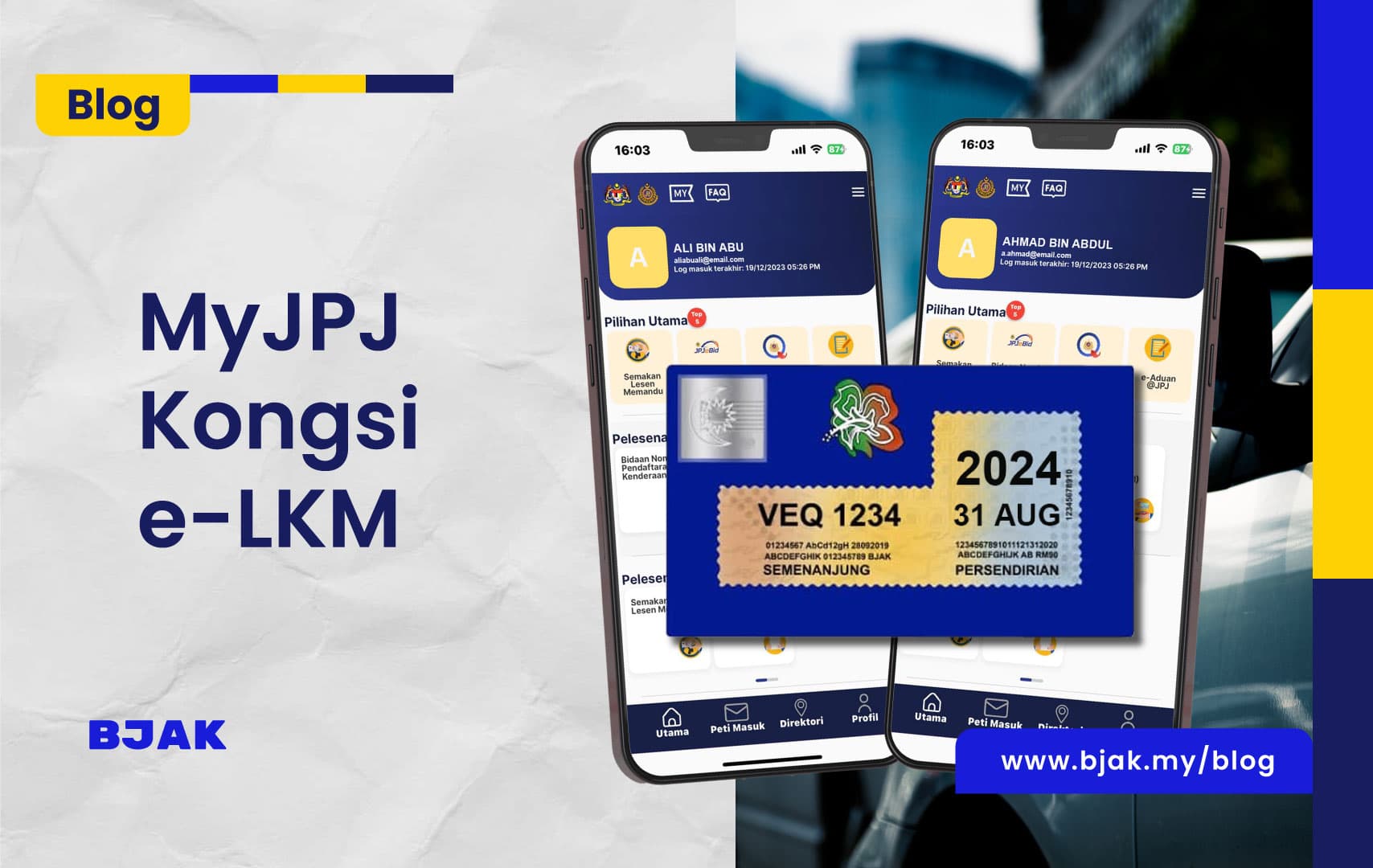
The digital roadtax (e-LKM) is an electronic version of your vehicle roadtax displayed in the MyJPJ mobile application. It does not fully replace the physical version however it’s an alternative to those who prefer keeping digital documents and no fear as it is recognized by JPJ and PDRM
If you wish you may still acquire the physical version upon renewal if you prefer, but people often opt for the digital version because it’s easier, cheaper and faster..
How to Activate Digital Roadtax in MyJPJ
Follow these simple steps to activate your digital roadtax:
- Download MyJPJ app (available on Android/iOS).
- Log in using your MyJPJ ID or register a new account.
- Go to the “Vehicle License (LKM)” section.
- Select your car and tap to view the digital roadtax (e-LKM).
- Optional: Save a screenshot for quick access during roadblocks.
Benefits of Digital Roadtax vs Physical Sticker
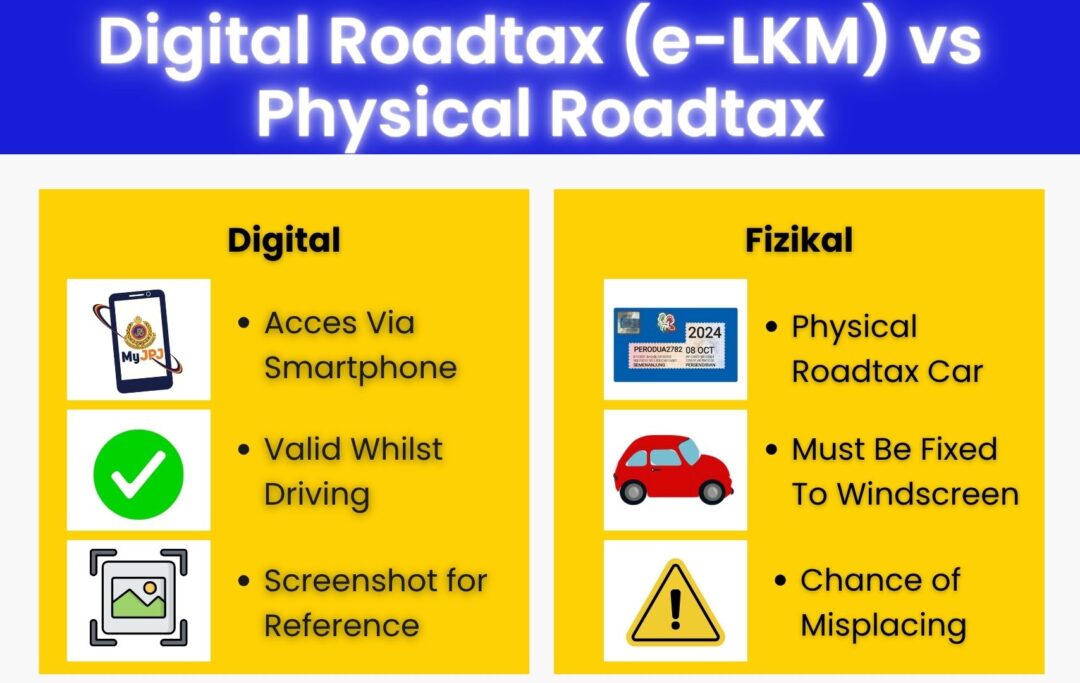
Here’s a quick comparison between digital roadtax (e-LKM) and the old physical sticker:
| Aspect | Digital Roadtax (e-LKM) | Physical Roadtax Sticker |
| Format | In MyJPJ app | Paper sticker on windscreen |
| Extra Cost | None | Around RM10 with delivery |
| Risk of Damage | None | Can fade, peel, or tear |
| Accessibility | View anytime on phone | Must display on car |
Conclusion
The shift to JPJ digital roadtax (e-LKM) makes life easier for drivers in Malaysia. No more worrying about faded stickers, peeling, or delivery fees. All you need is the MyJPJ app to show proof of roadtax anytime, anywhere.Whether you renew via JPJ/MyJPJ, Pos Malaysia, or Bjak, your roadtax is now instantly available in digital form – making it the smarter, faster, and cheaper choice.
Frequently asked questions
Is digital roadtax accepted at roadblocks?
Yes, JPJ and PDRM officers can verify your digital roadtax in the MyJPJ app.
Do I still need to stick the physical roadtax?
No, unless you specifically request one. The digital version is valid on its own.
What if my phone battery dies?
You can always log in from another phone or keep a screenshot of your e-LKM.
Is there any additional cost for using digital roadtax?
No. Unlike physical stickers, the digital version is completely free.
Can I still renew roadtax at JPJ counters or Pos Malaysia?
Yes, you can renew at JPJ, Pos Malaysia, or Bjak – but the issued roadtax will appear digitally in MyJPJ.